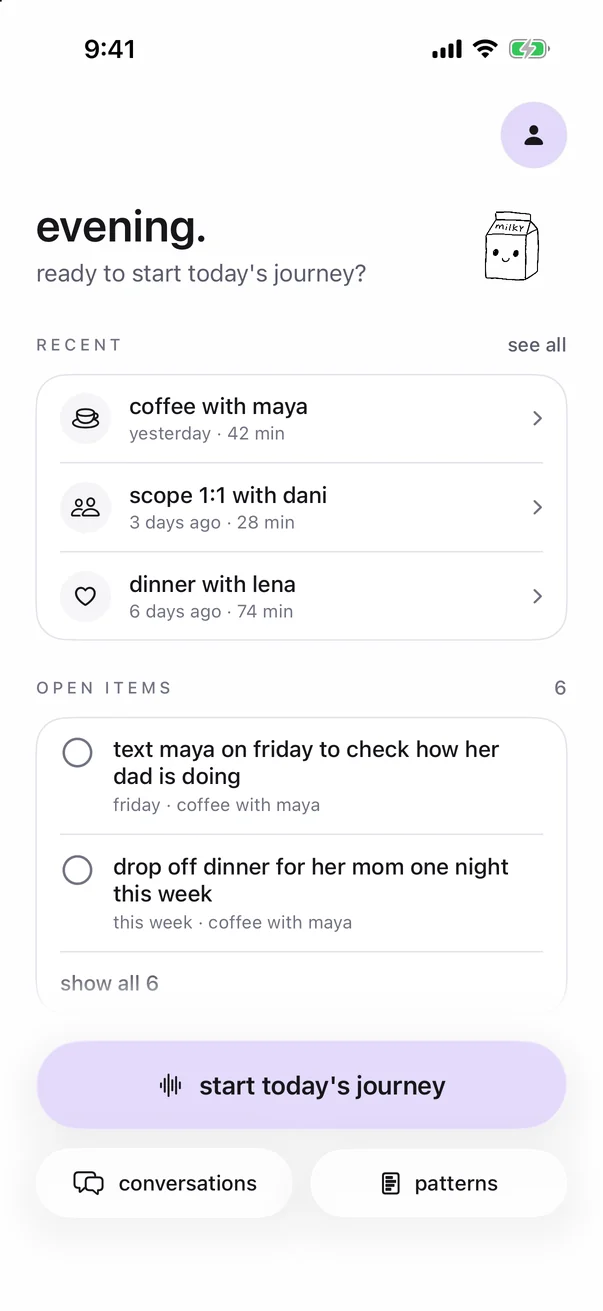
how it works
phone on the table, three taps
- Put your phone on the table and tap start listening.
- Have the conversation. No laptop open, no one typing. Your phone can stay face down.
- Tap stop when you leave. The notes fill in over about 20 seconds, and the lock screen tells you when they're ready.
for good notes in a room
small things that help
- Keep the phone between you and the other person, close enough to hear you both.
- A quieter corner beats a loud café table.
- Type a line of context before you start, like "1:1 with sam about the launch", and milky tunes to it.
- Pick the kind of conversation (meeting, interview, hangout) or let milky work it out in the first minute.
what you get
the same notes as a call
- notes
- Summary, decisions, action items and what's still open, plus a follow-up you can send.
- how it went
- The moments that moved the conversation, each with its quote. How the read works.
- threads
- One page per person, with what milky remembers and what you still owe them.
telling people
ask first
In a room nobody sees a recorder icon, so tell people you're taking notes. Milky reminds you and gives you an easy line to ask. Your conversations stay on your phone. More in your data.
questions
common questions
- Does milky need a video call?
- No. It listens through your iPhone, so it works for any conversation in the room.
- How close should the phone be?
- Close enough to hear both of you. On the table between you works best.
- Can it tell who said what?
- Speaker labels come with cloud transcription, which you can turn on in settings. By default transcription stays on the device.
- Where are the notes kept?
- On your phone. You can export or delete them in settings.
- When can I use it?
- The iPhone beta opens this winter. Leave your email on the home page to get the invite.
the iPhone beta opens this winter
Leave your email and we'll send the invite. Beta testers use it free while the beta runs.
join the beta